
No question left unanswered.
Itza · Case study
Project details
- Product
- Accessible assistant
- Year
- 2026
- Role
- Development
- Standard
- WCAG 2.2 A/AA
The project
Itza is an assistant that answers the questions of people visiting an organisation’s website: what it does, how to sign up, what its opening hours are, whether there are places left. It’s available 24 hours a day, points each person in the right direction and collects the details of anyone who wants to be contacted.
We designed it for associations, foundations, schools and cultural projects, which tend to answer those questions by hand, one by one.
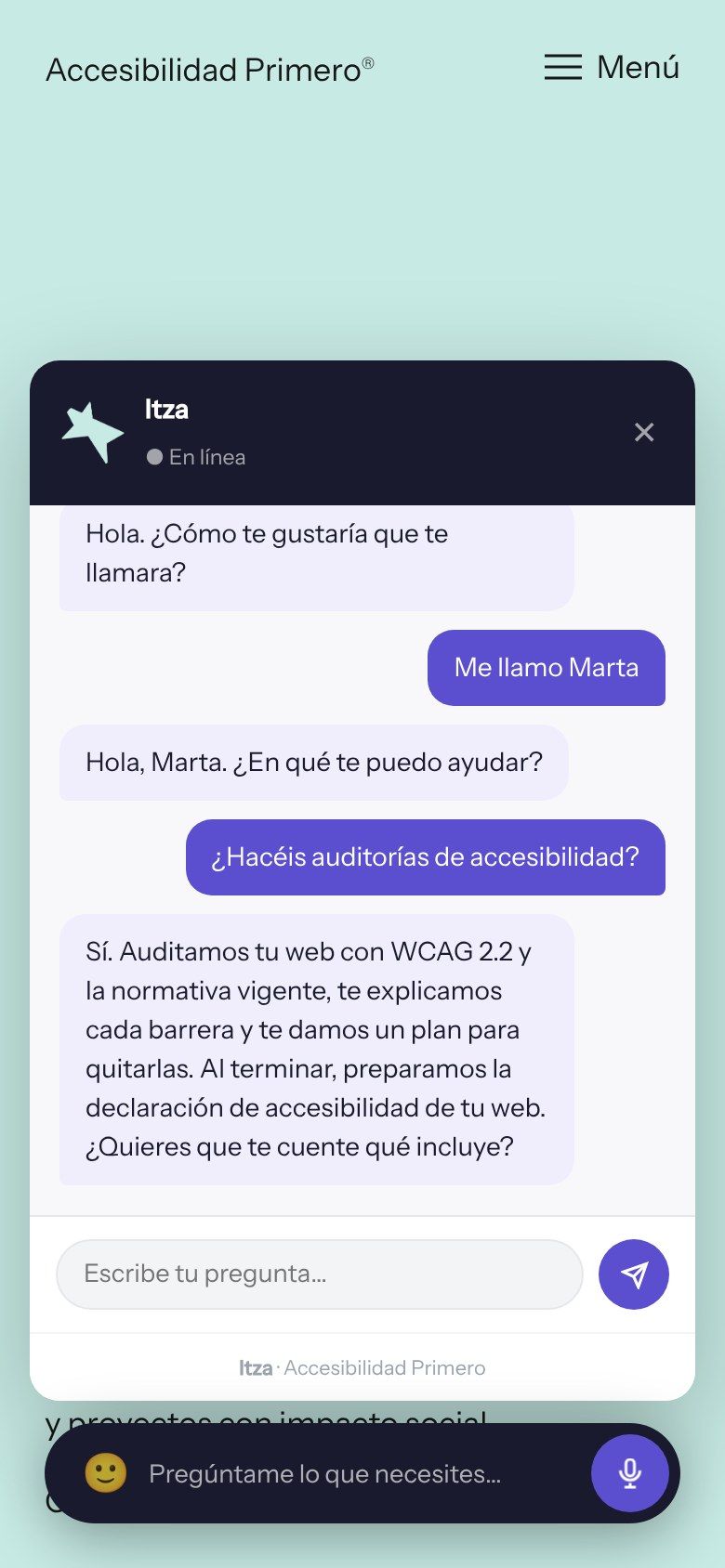
The screenshots on this page show Itza installed on this very website, in its Spanish version, with a sample conversation.
The challenge
An assistant that is accessible too.
A chat is a window that opens on top of the page. If it can’t be used with a keyboard, if the screen reader doesn’t announce the answers or if it traps focus with no way out, it shuts out exactly the people who need help most.
By keyboard, by voice and with a screen reader.
It opens and closes with the keyboard, focus stays inside while it’s open and returns to where it was on closing. Every answer is announced automatically, and you can ask out loud and listen to the reply.
The structure
A bar, a conversation and a contact.
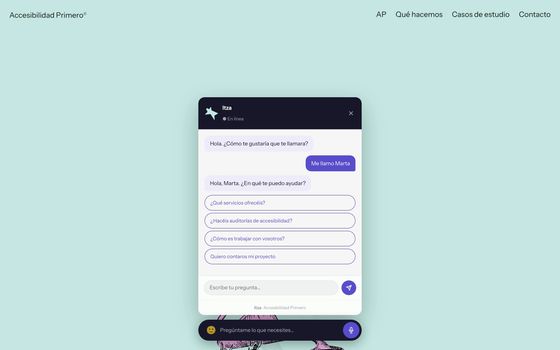
Itza lives in a bar at the foot of the page: “Ask me anything you need”. Clicking it opens the conversation. First it asks what to call the person writing, then it offers suggested questions, each organisation’s own.
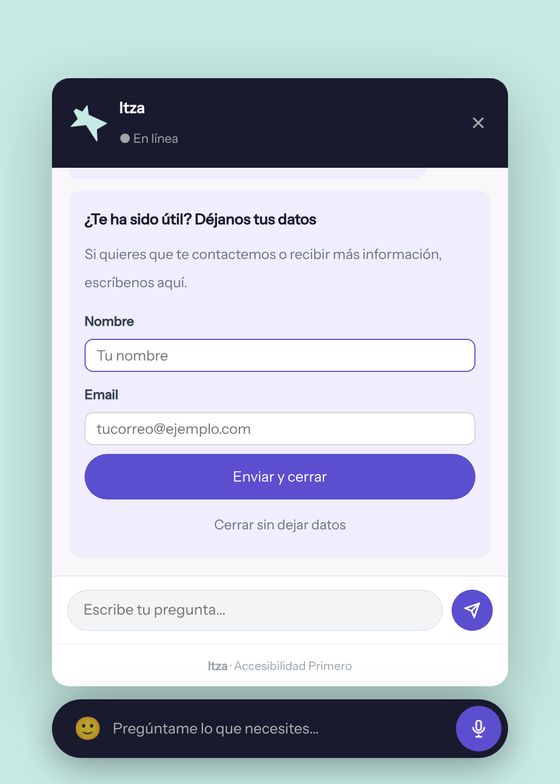
It answers with the organisation’s own information and is instructed not to make anything up. On closing, it suggests leaving a name and email address, and it can be closed without leaving them. If the person sends their details, the conversation is saved with them, so the team knows what was asked and can pick it up from there.
Design decisions
A useful assistant doesn’t replace the team: it answers the usual questions so the team has time for everything else.
First, the name.
The conversation starts by asking what to call the person writing. The tone is that of someone from the organisation, not a form.
A bar, not a floating button.
“Ask me anything you need” says what it is and what it’s for before you click it. An icon in a corner makes you guess.
In each organisation’s own voice.
The assistant’s name, colours and welcome message adapt to each website.
We install it for you.
No developers and no long contracts: we leave it up and running on the organisation’s website.